Object Hunt
Find a random object, like the fridge, a mug or your toothbrush, and take a photo of it. You have to get up and walk to it.
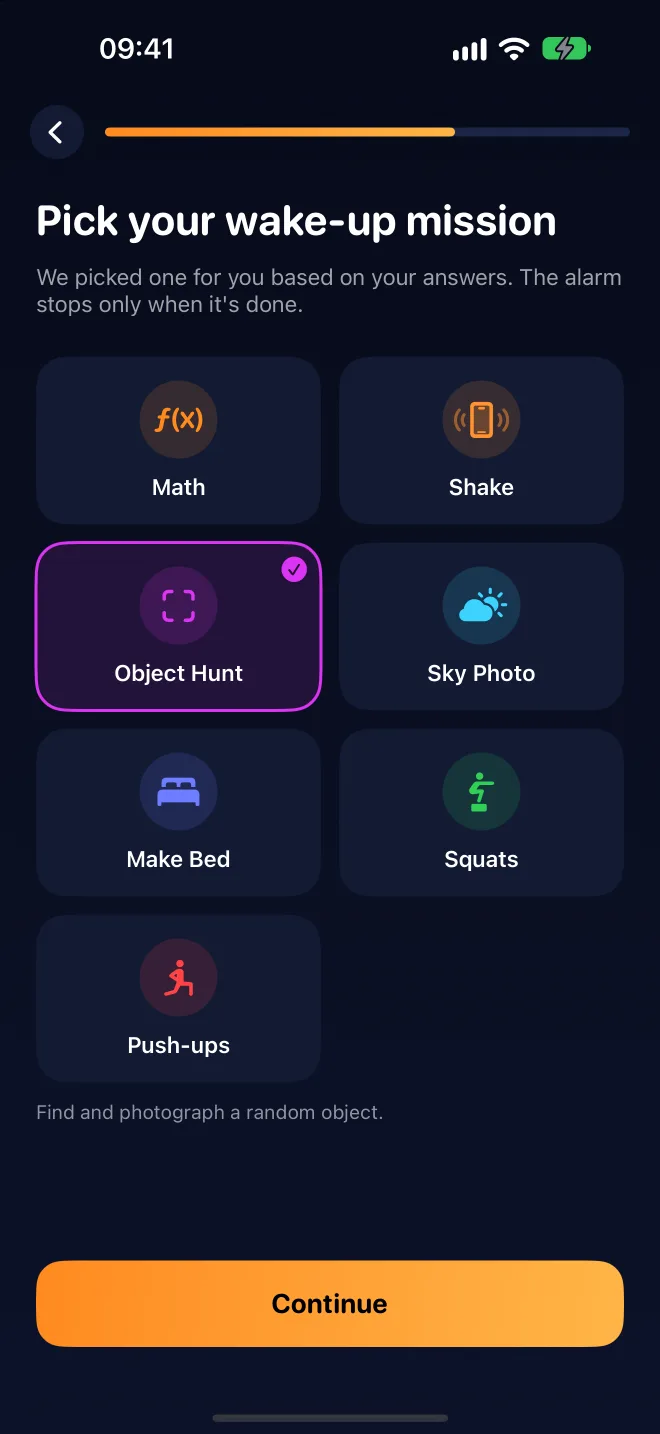
WakeZen keeps ringing until you finish a wake-up mission. Find an object, do 10 squats, solve a math problem. By the time it stops, you're out of bed.
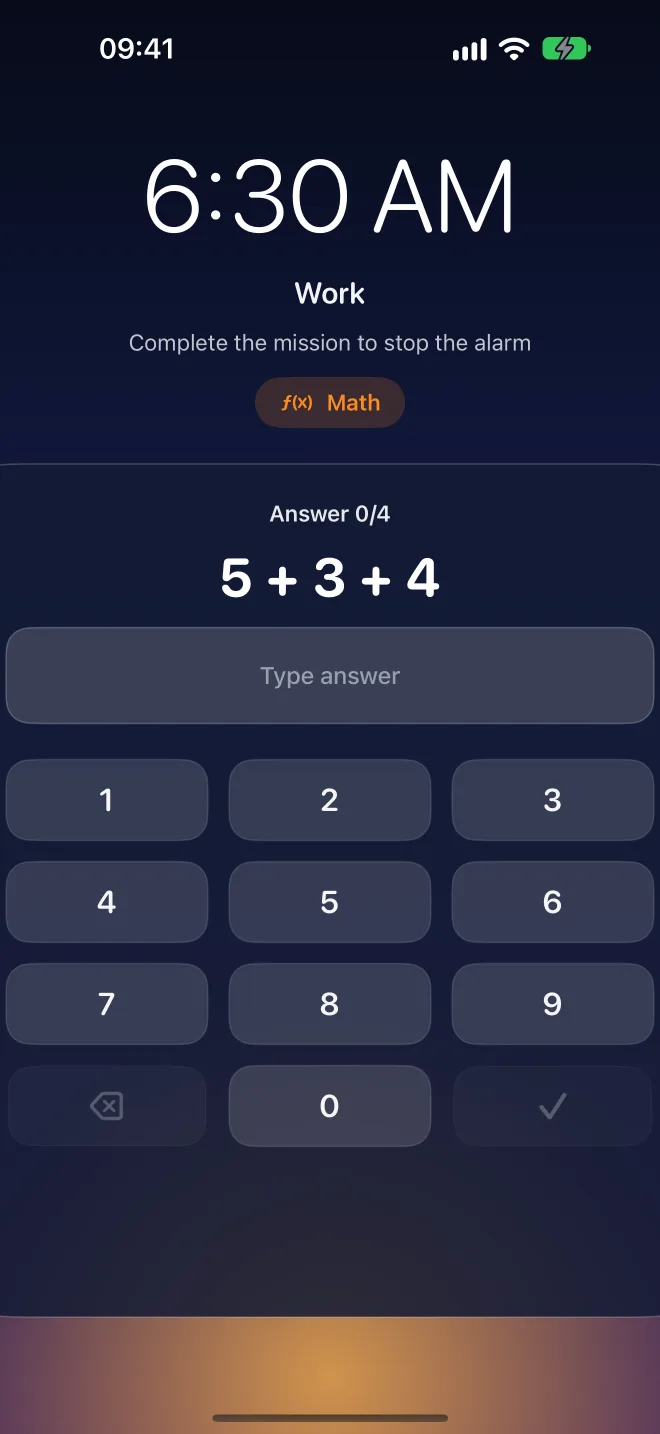
No snooze button. No way to swipe it away. The only way out is the mission.
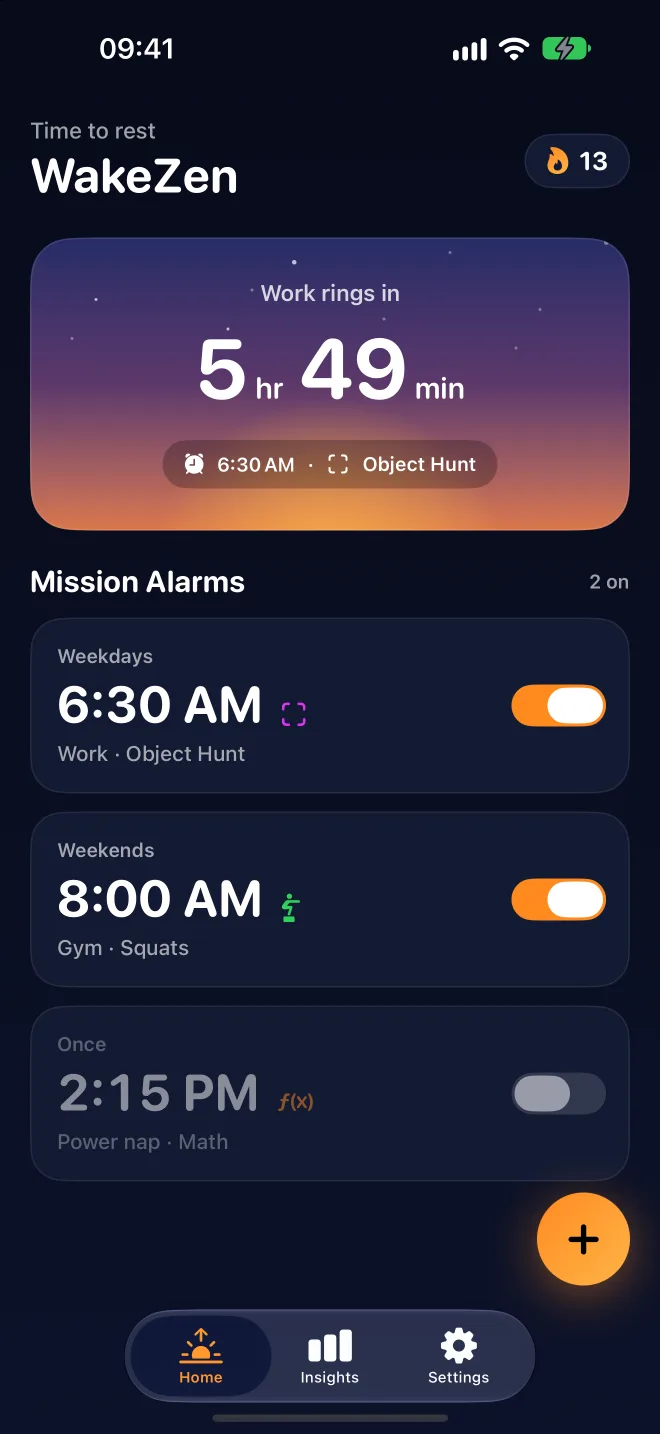
Choose a time, the days it repeats, and the mission you'll need to finish. Want it extra hard? Make the math hard or the squat count higher.
WakeZen rings on the lock screen, even in silent mode or Focus. Stop it and crawl back to bed? It rings again 20 seconds later.
Finish the mission and the alarm goes quiet for good. Every morning you win adds to your streak.
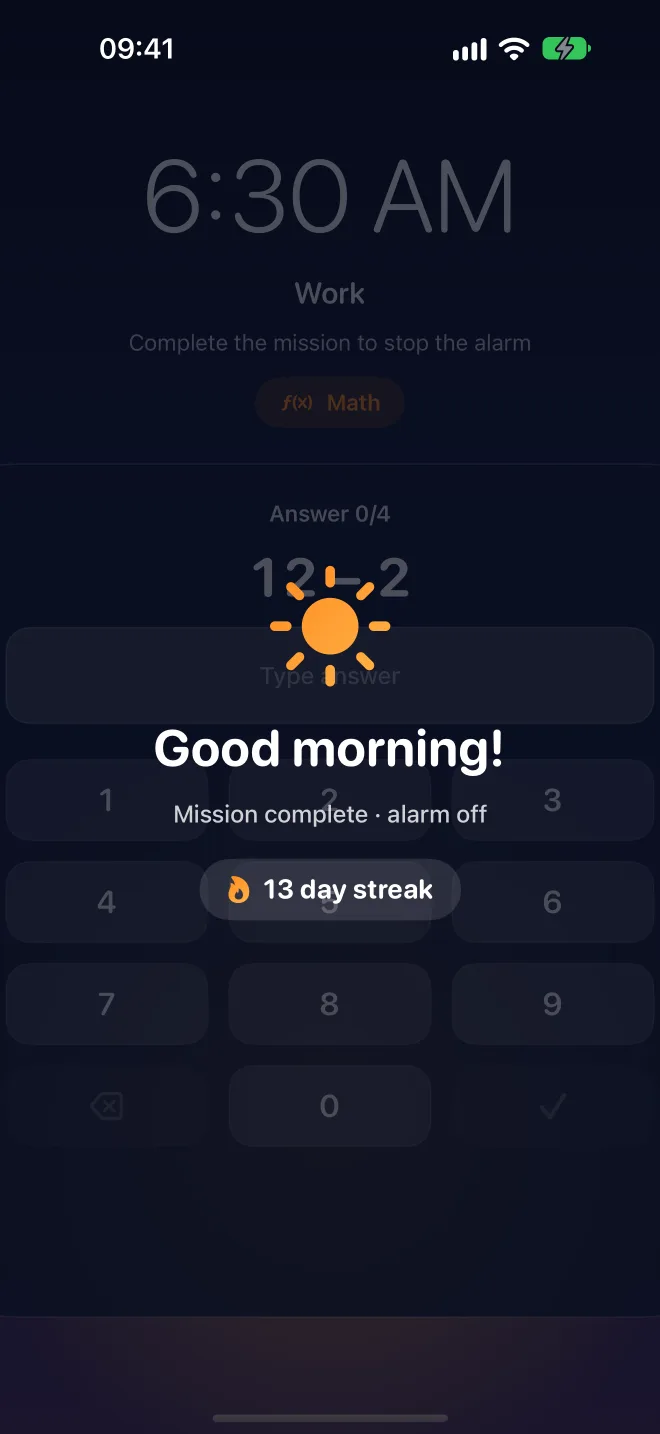
Photo and exercise missions are checked right on your iPhone. Your photos are never saved or uploaded.
Find a random object, like the fridge, a mug or your toothbrush, and take a photo of it. You have to get up and walk to it.
Open the curtains and snap the sky. Daylight helps you wake up.
Make your bed and take a photo. Hard to get back in after that.
Do 10 squats in front of the camera. WakeZen counts every rep.
Do 8 push-ups, counted automatically by the camera.
Solve problems on easy, medium or hard. Your brain wakes up first.
Shake your phone hard to get your body moving.
Normal alarms let you stop them half-asleep. WakeZen keeps watching until the mission is really done.
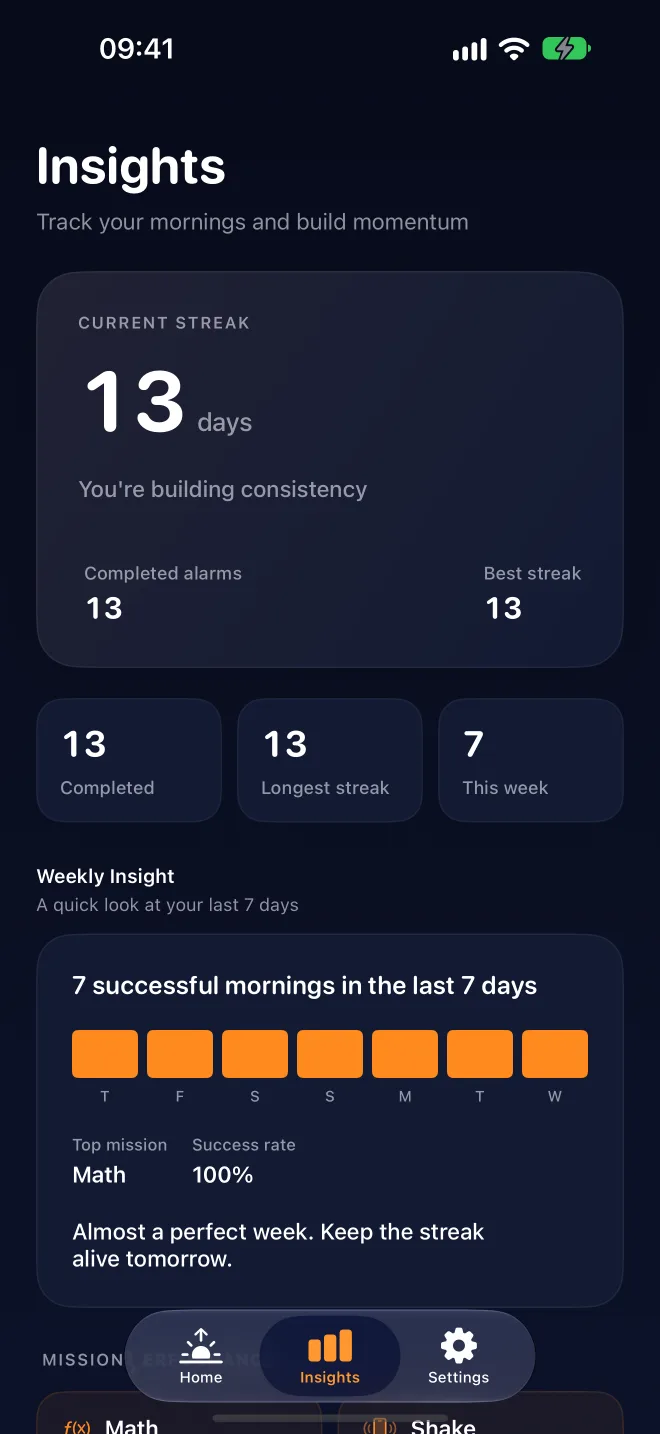
Every morning you finish a mission adds a day. Weekly insights show how fast you get up and which missions work best for you.
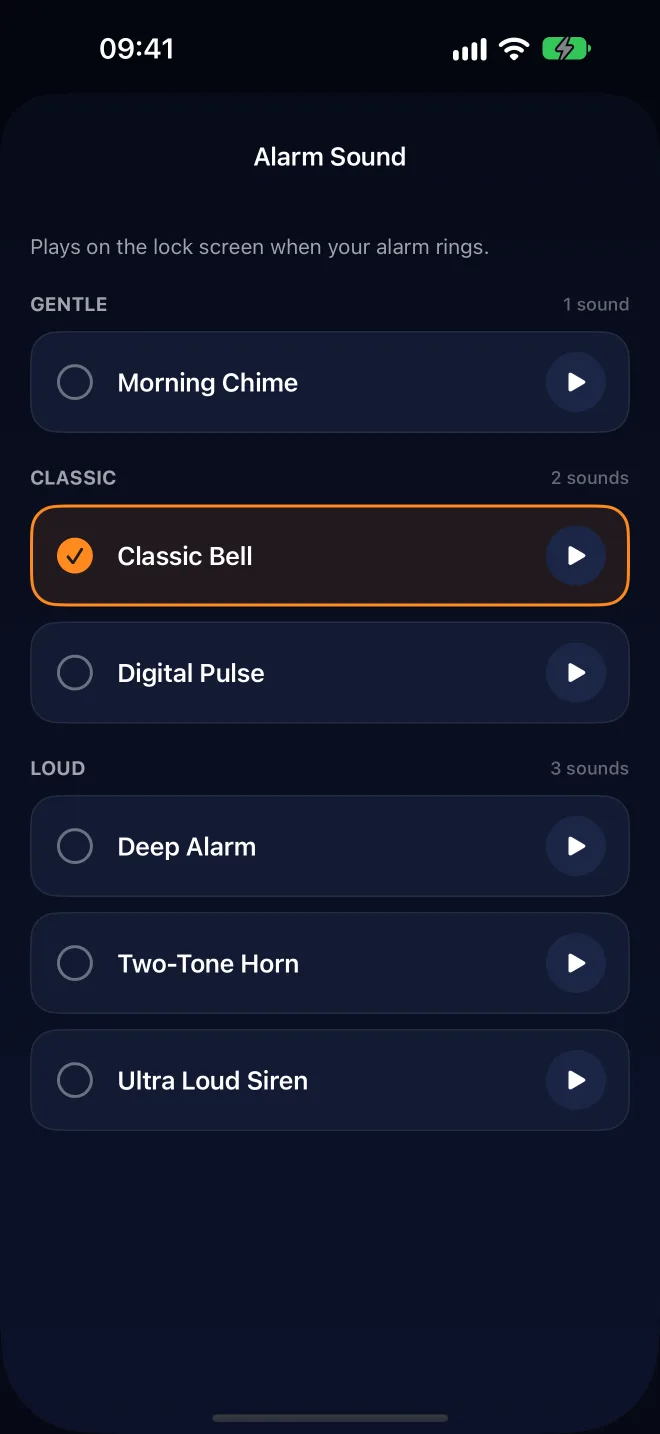
Dark, calm and easy to read when you're half asleep. Swipe through.
No ads, no tracking, no account. On the App Store, WakeZen is labeled "Data Not Collected".
No banners, no videos, no ad SDKs. Not now, not later.
No analytics or tracking across apps and websites.
No sign-up. No email. Just open it and set your alarm.
Photos are checked on your iPhone and never saved or uploaded.
We remind you 2 days before your trial ends. Cancel anytime in Settings.
Prices in USD. Local prices may differ in your country. Payment is charged to your Apple Account; subscriptions renew automatically unless cancelled at least 24 hours before the end of the period.
Yes. WakeZen uses Apple's alarm system, so it rings on the lock screen even in silent mode or with a Focus turned on.
If you leave without finishing the mission, WakeZen rings again about 20 seconds later. It keeps going until the mission is done.
No. Photo and exercise missions are checked on your iPhone. Photos are deleted right after the check and never leave your phone.
An iPhone with iOS 26.1 or later. Alarms and missions are part of WakeZen Pro, which starts with a 7-day free trial.
Open Settings on your iPhone, tap your name, then Subscriptions, and choose WakeZen. Cancel at least 24 hours before the trial or period ends to avoid being charged.
English, Spanish, Portuguese, French, German and Italian.
Use the support link on our App Store page. We read every message.
Set your first alarm in less than a minute. The first 7 days are free.